The Needs-you Tab
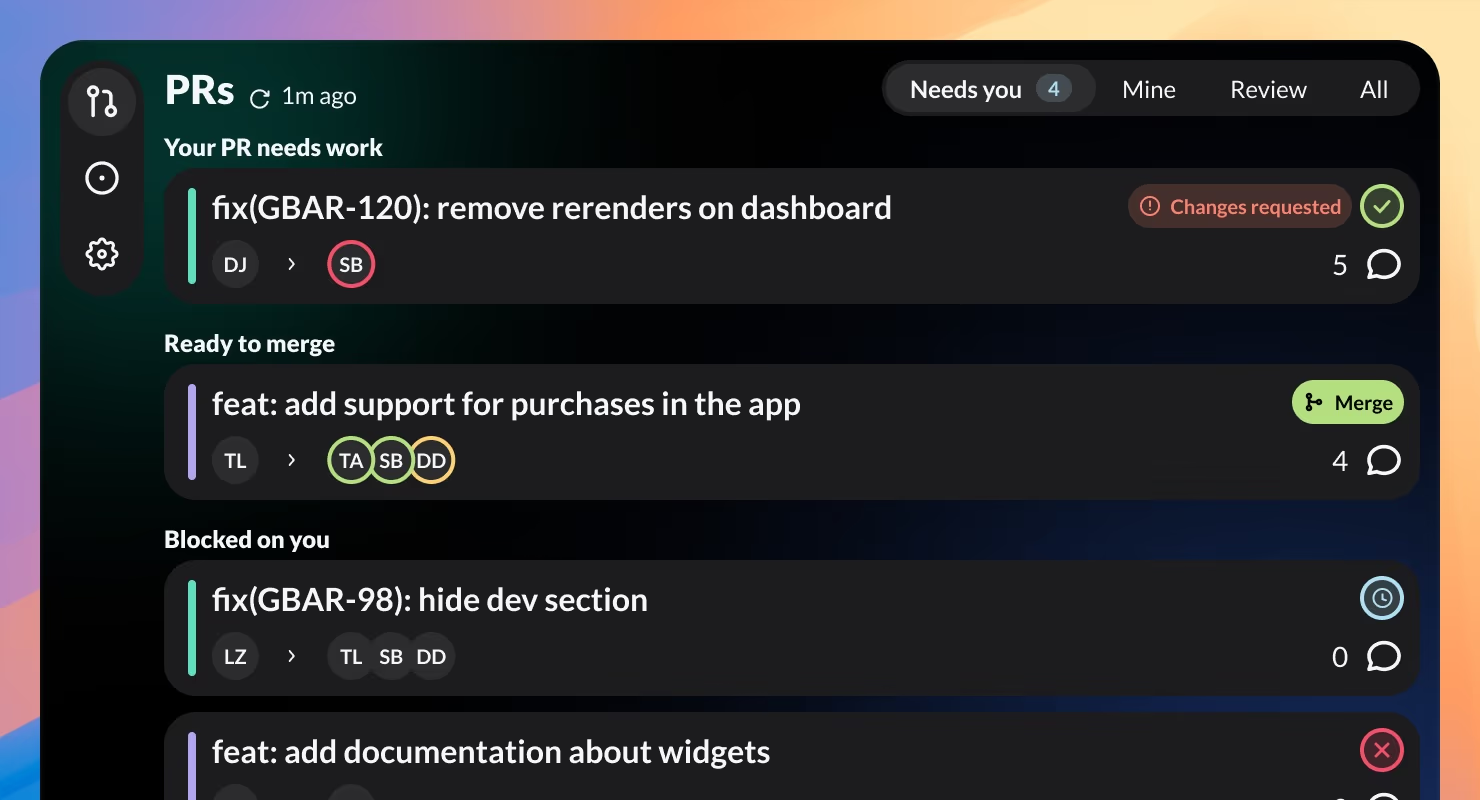
GitBar now opens to a tab that groups PRs by why they need you: your PR needs work, ready to merge, or blocked on you. The menubar count follows along, so the number you see is work that's actually yours.
Your Pull Requests and Issues, right in the macOS menubar. Version 2.1 opens to a Needs-you tab, merges approved PRs in one click, and shows urgency before you even open it.
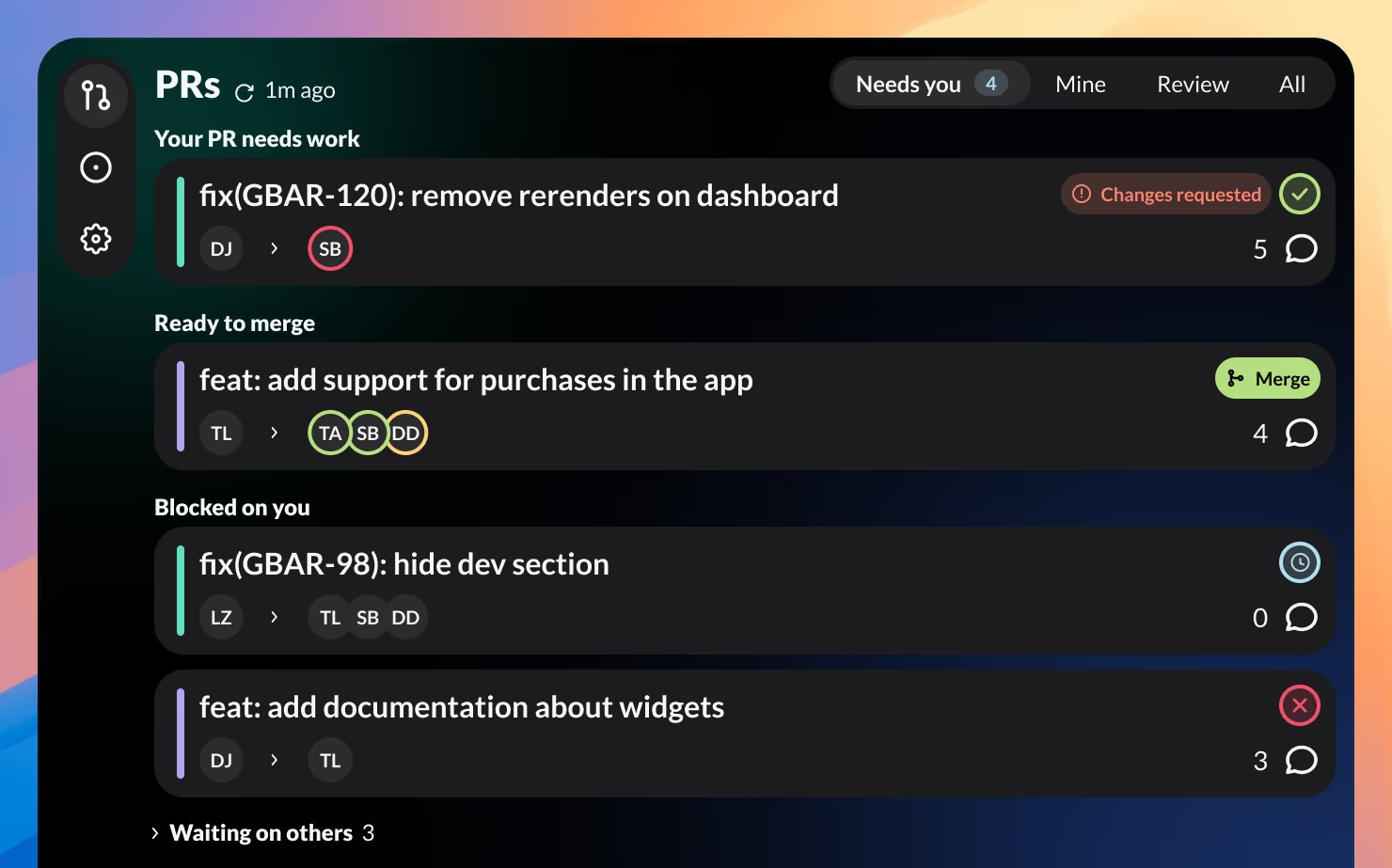
GitBar now opens to a tab that groups PRs by why they need you: your PR needs work, ready to merge, or blocked on you. The menubar count follows along, so the number you see is work that's actually yours.
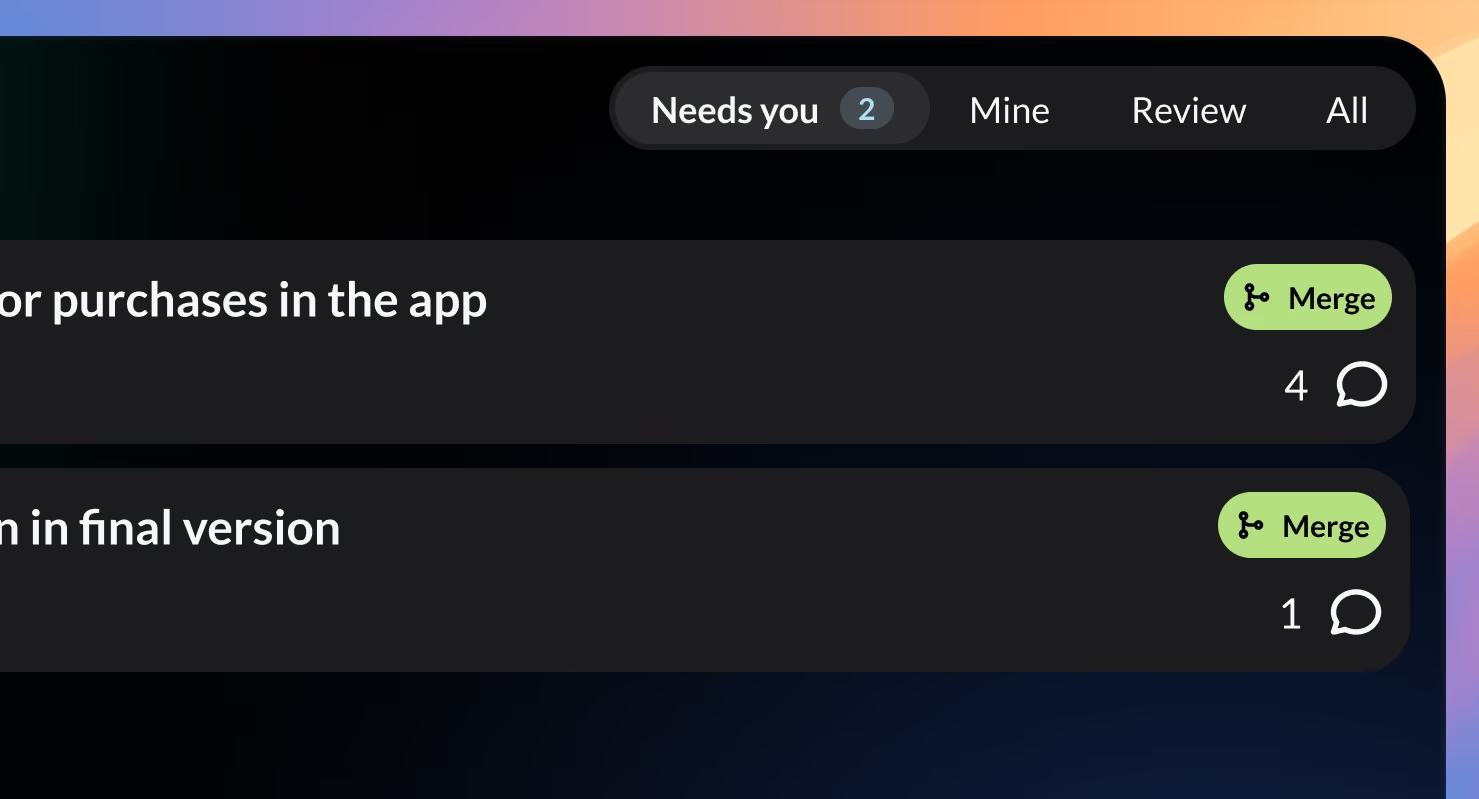
When a PR is approved, conflict-free, and CI is green, a Merge button appears right on the card. One click merges it with your repo's default method. No trip to the browser needed.
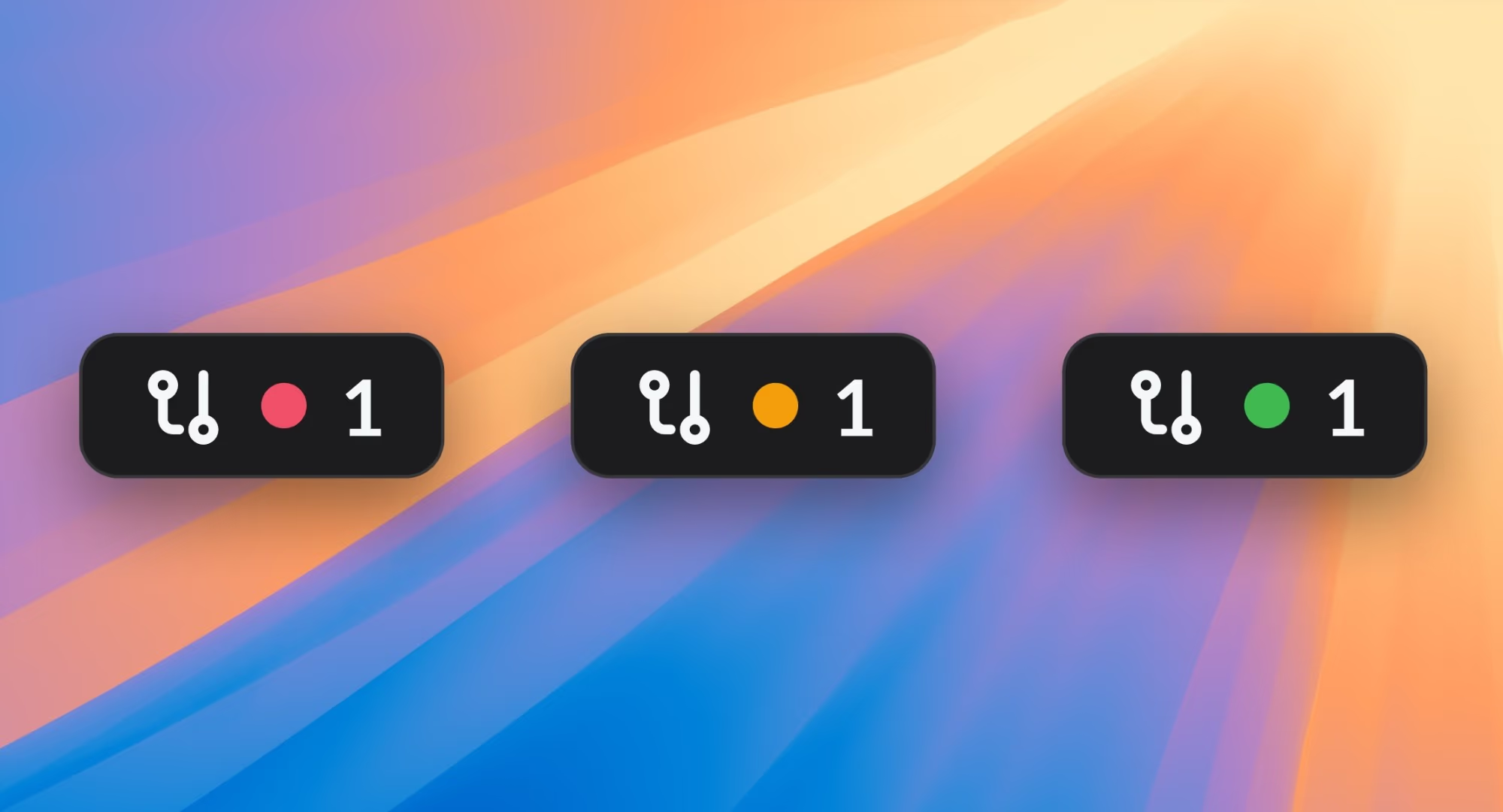
An optional colored dot on the menubar icon tells you what's waiting: red when your PR needs work, orange when someone is blocked on you, and green when a PR is ready to merge. No dot means you're all caught up.
Four tabs to slice your PRs: Needs you (grouped by what's waiting on you), Mine (PRs you authored), Review (PRs waiting on your review), and All.
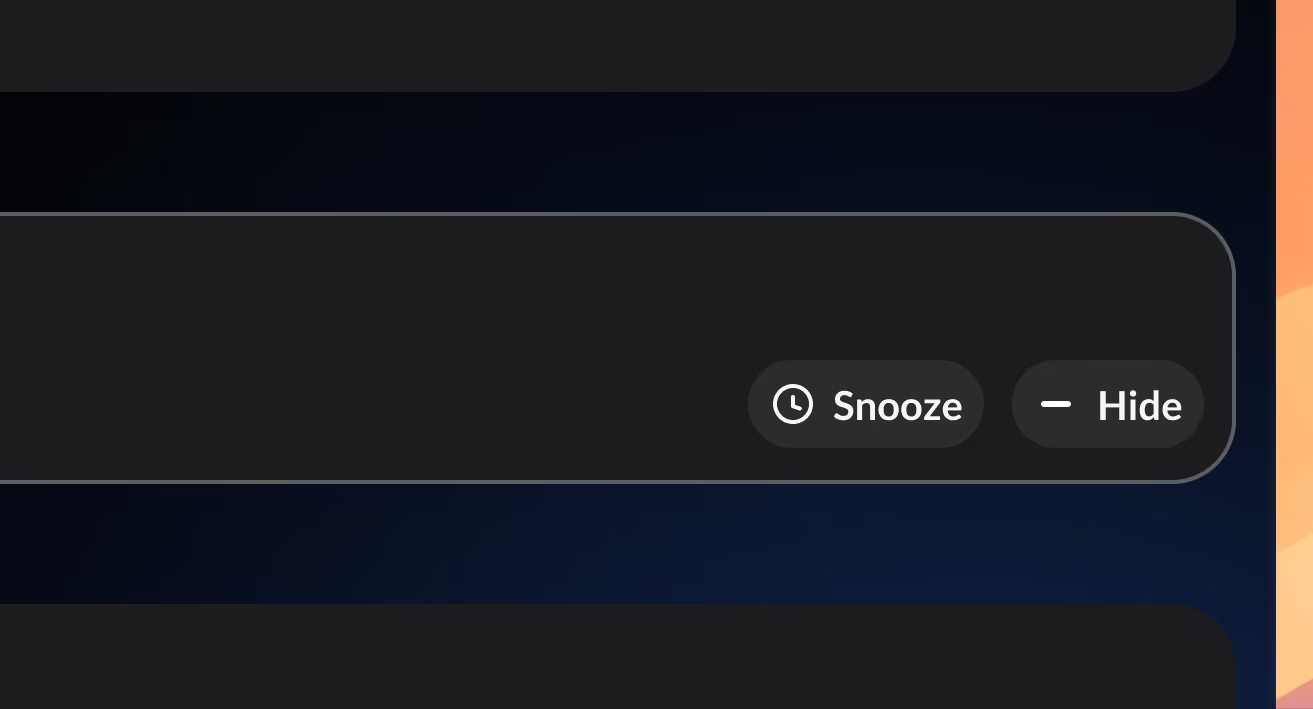
Not now doesn't mean never. Snooze a PR and it comes back on its own the moment it gets a push, comment, or review. Or hide it for good. Both stay out of your way but remain in All.
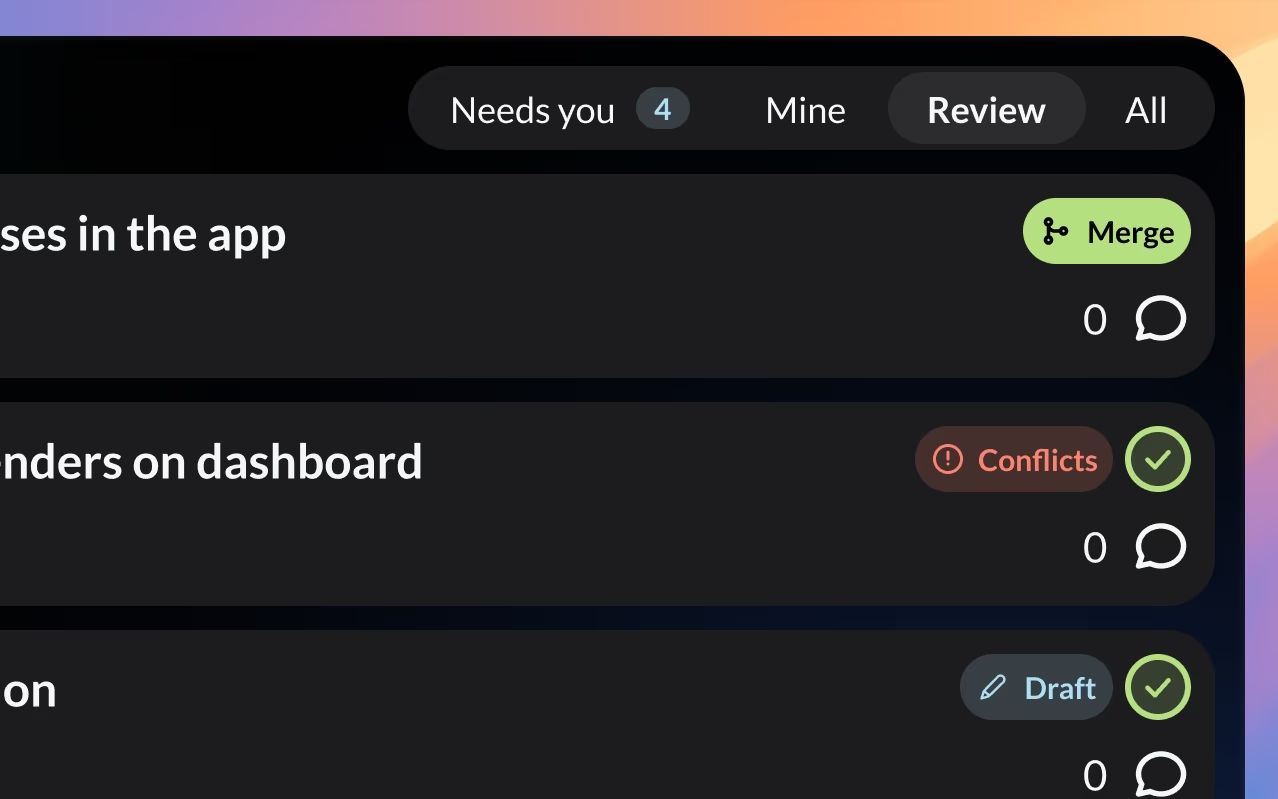
Every card shows one clear status badge (approved, draft, changes requested, or conflicts) plus live CI status. No more clicking through just to check.
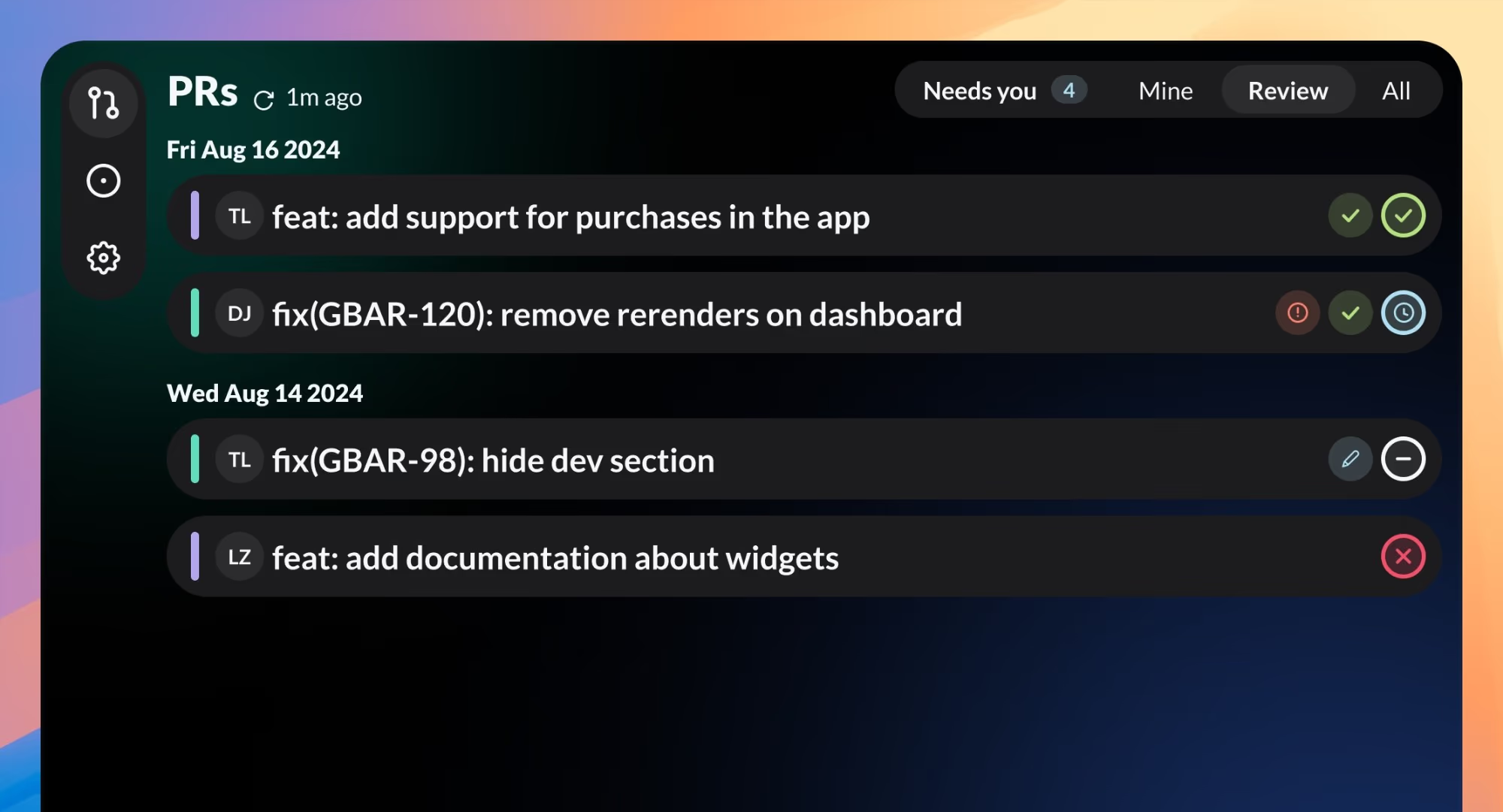
Switch to a compact layout to fit more PRs on screen when you're juggling many at once.
Set GitBar to launch at login, so it's there when you need it.
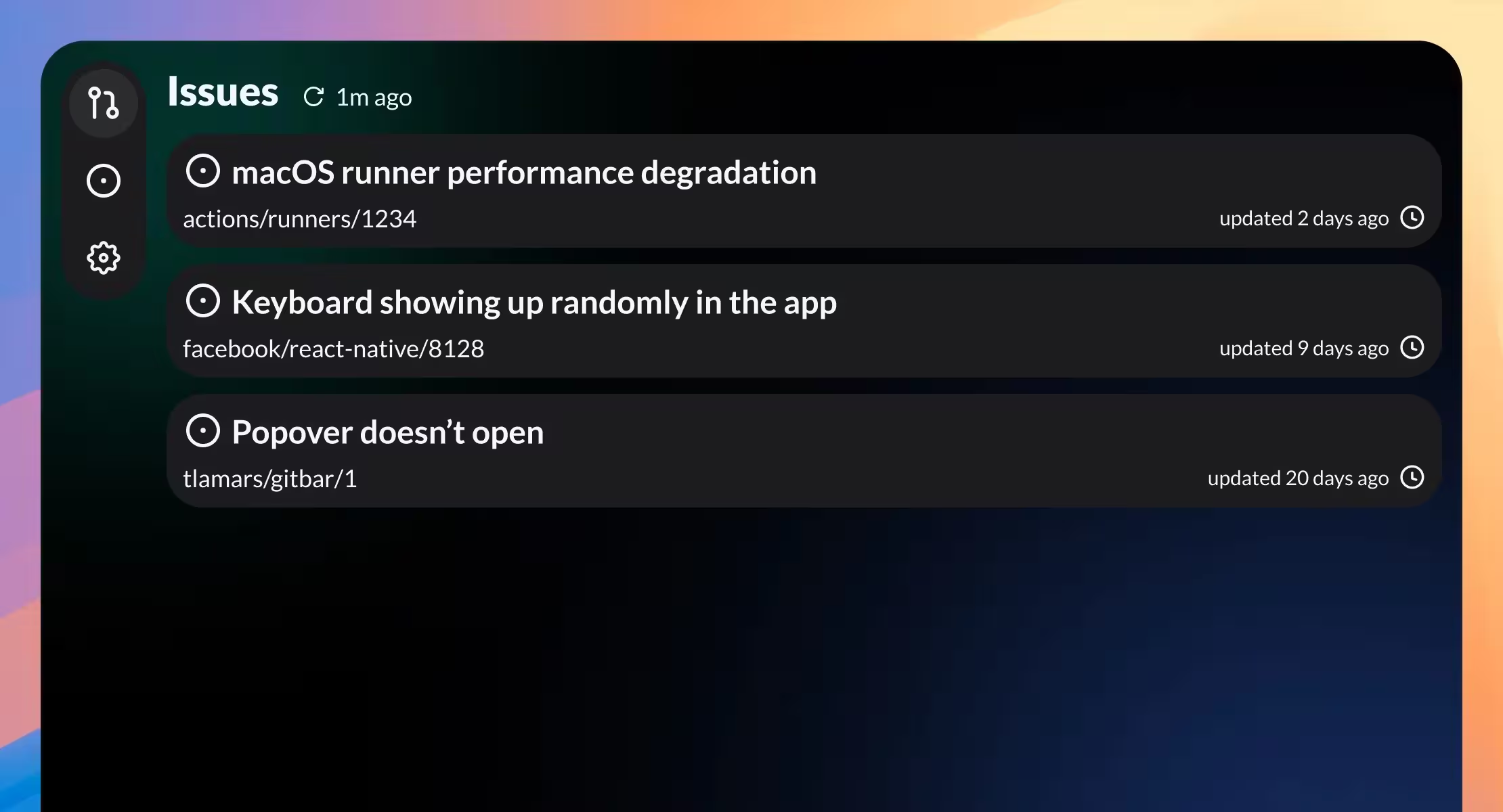
Keep an eye on GitHub issues alongside your Pull Requests. See issues you created and ones on repos you work on.
GitBar works with GitHub, GitLab, and Azure DevOps. Add multiple accounts across different providers.
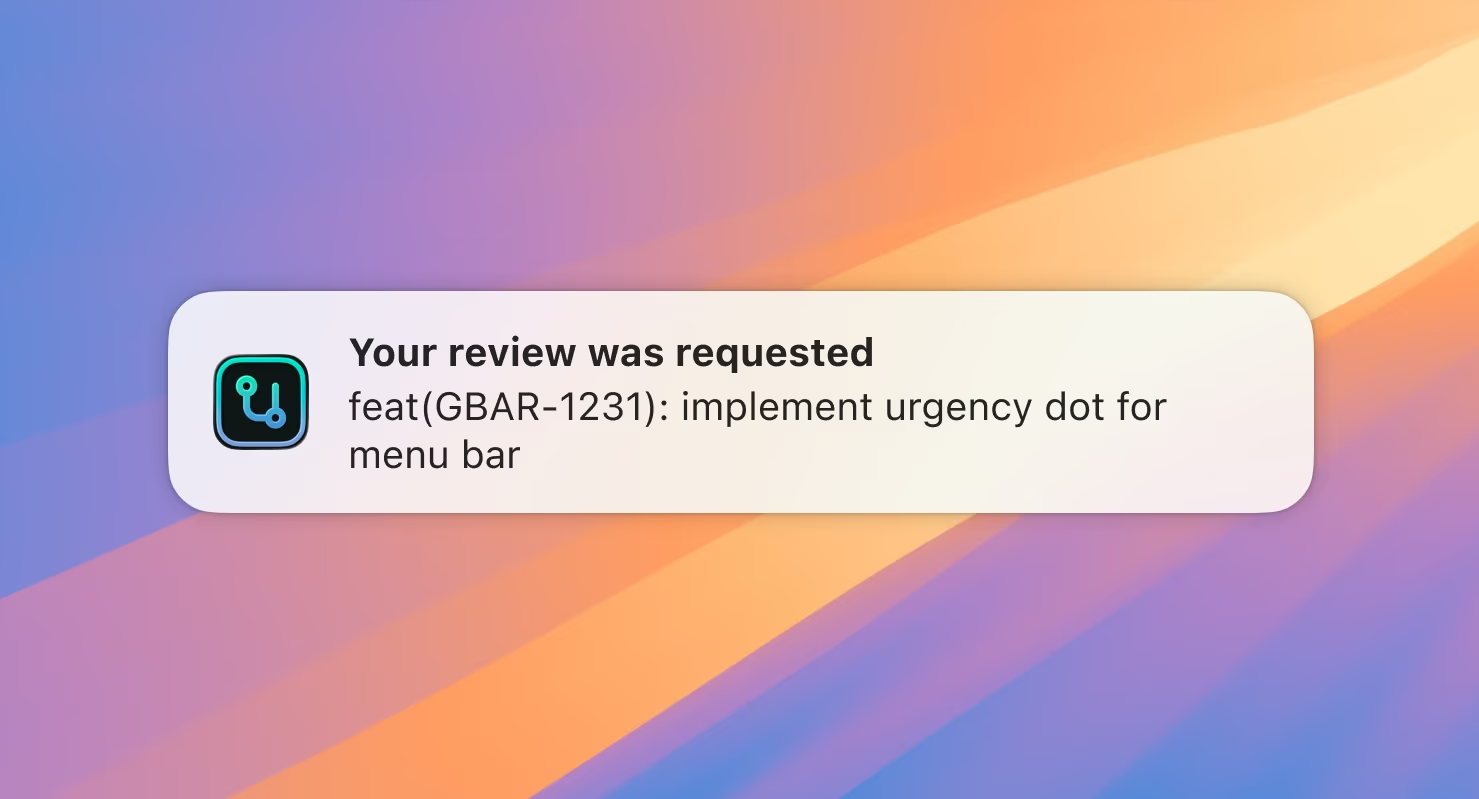
One banner per PR, only when something changes: your review is requested, changes are requested, CI fails, conflicts appear, or your PR becomes ready to merge. Click it to open the PR.