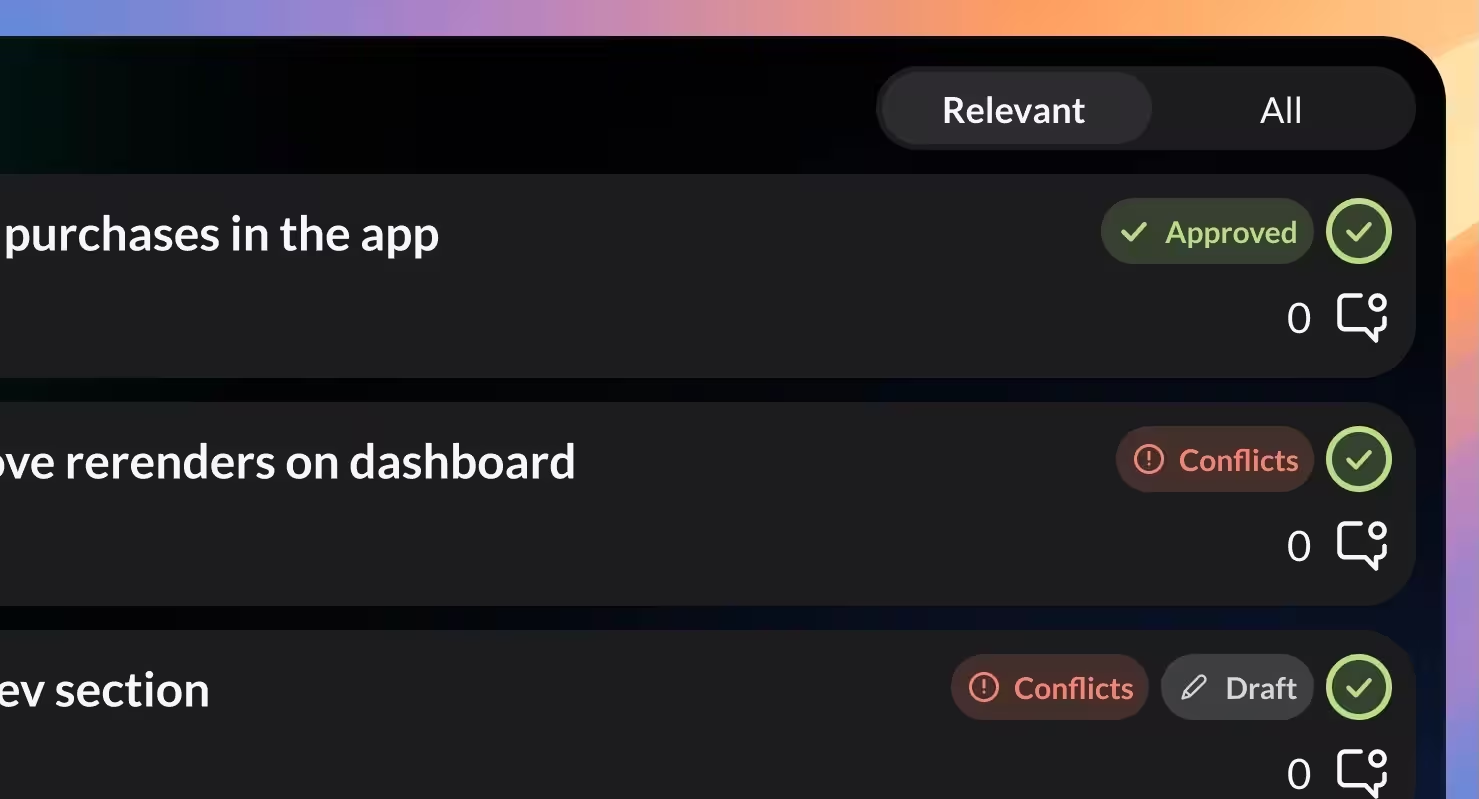
PR Status Badges
Spot approved, draft, or conflicted PRs at a glance with clear badges — no more clicking through just to check status.
Your Pull Requests and Issues, right in the macOS menubar — now with a new design, status badges, and CI indicators.
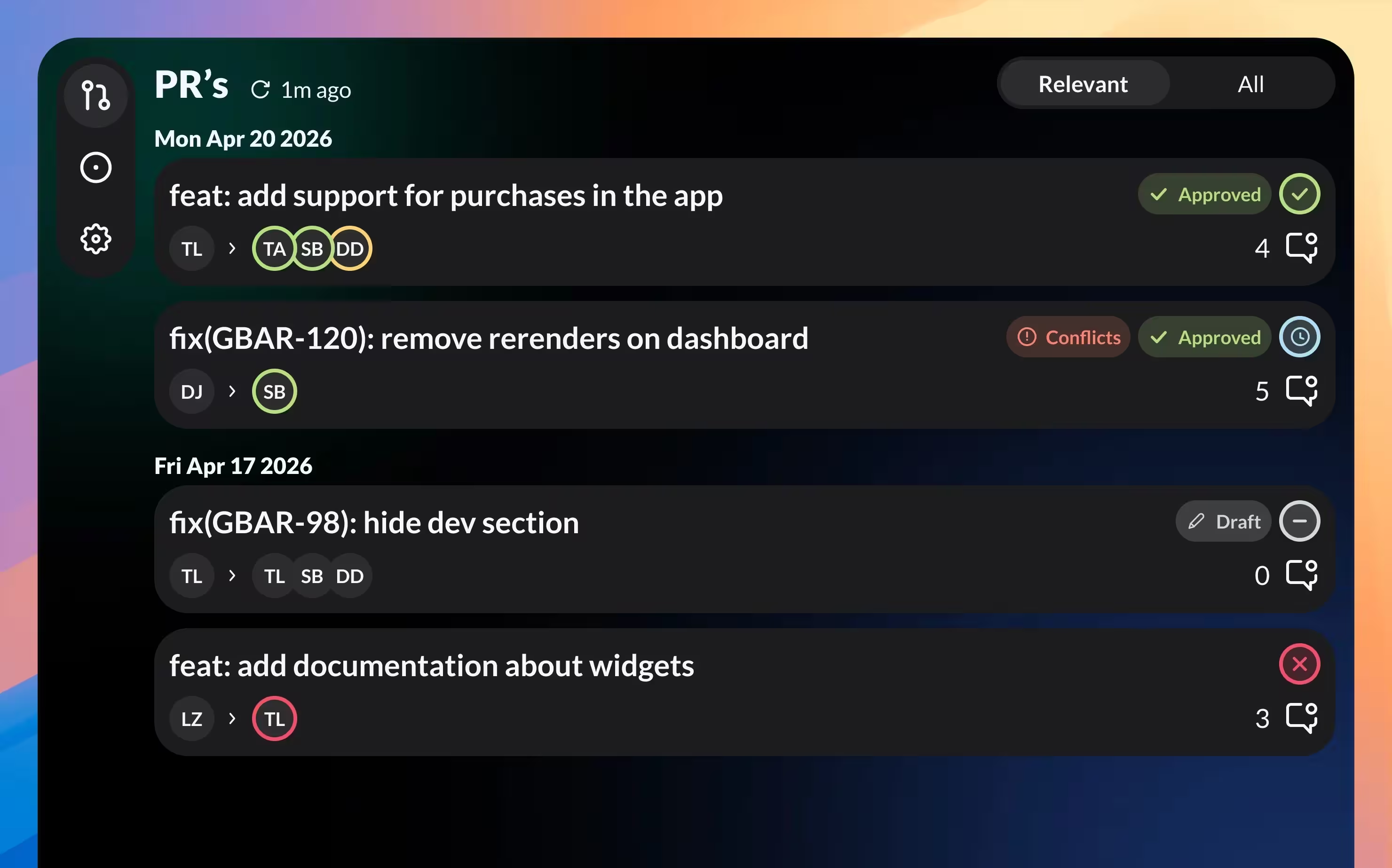
Spot approved, draft, or conflicted PRs at a glance with clear badges — no more clicking through just to check status.
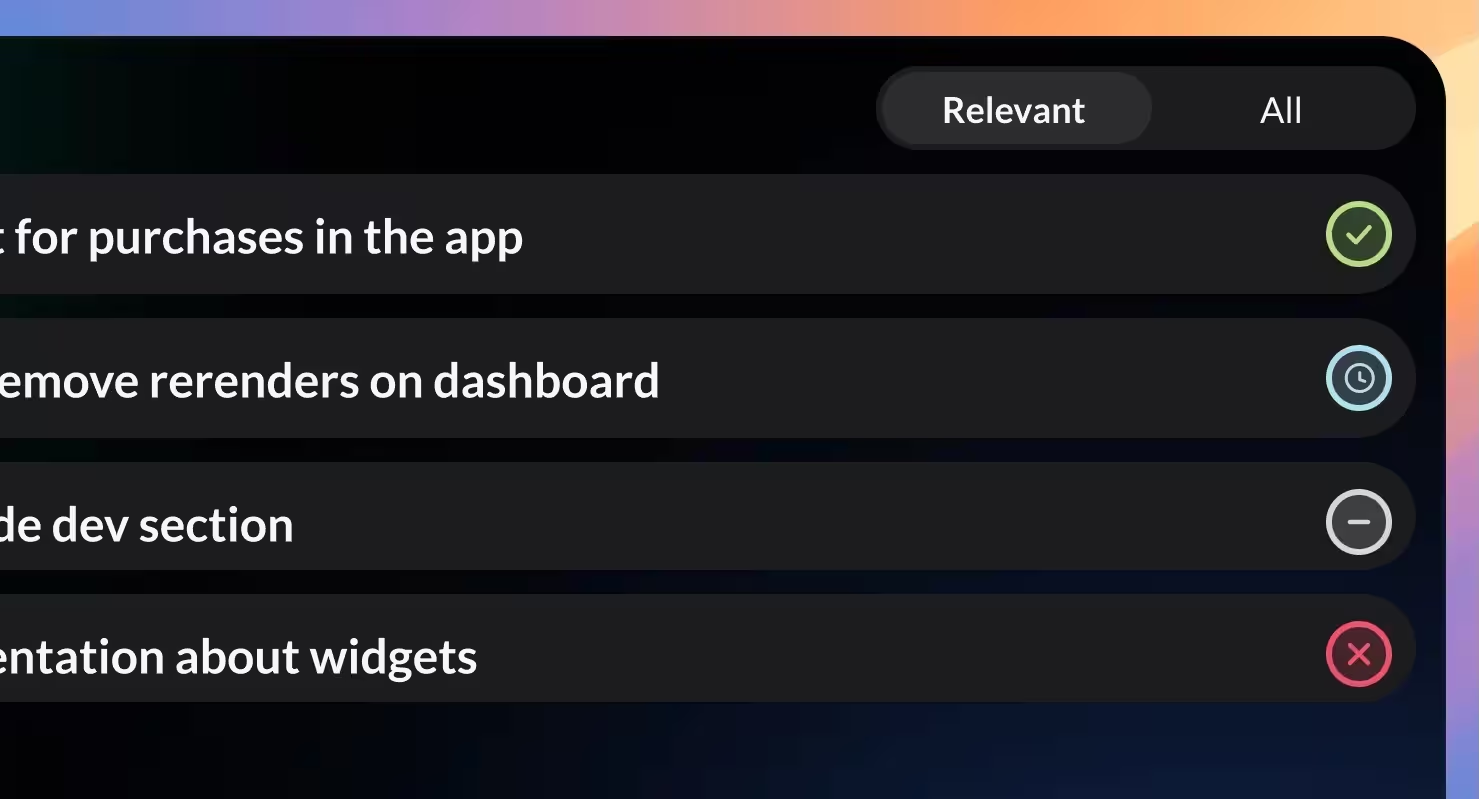
See the pipeline status for each PR right on the card, so you know when it's ready to review.
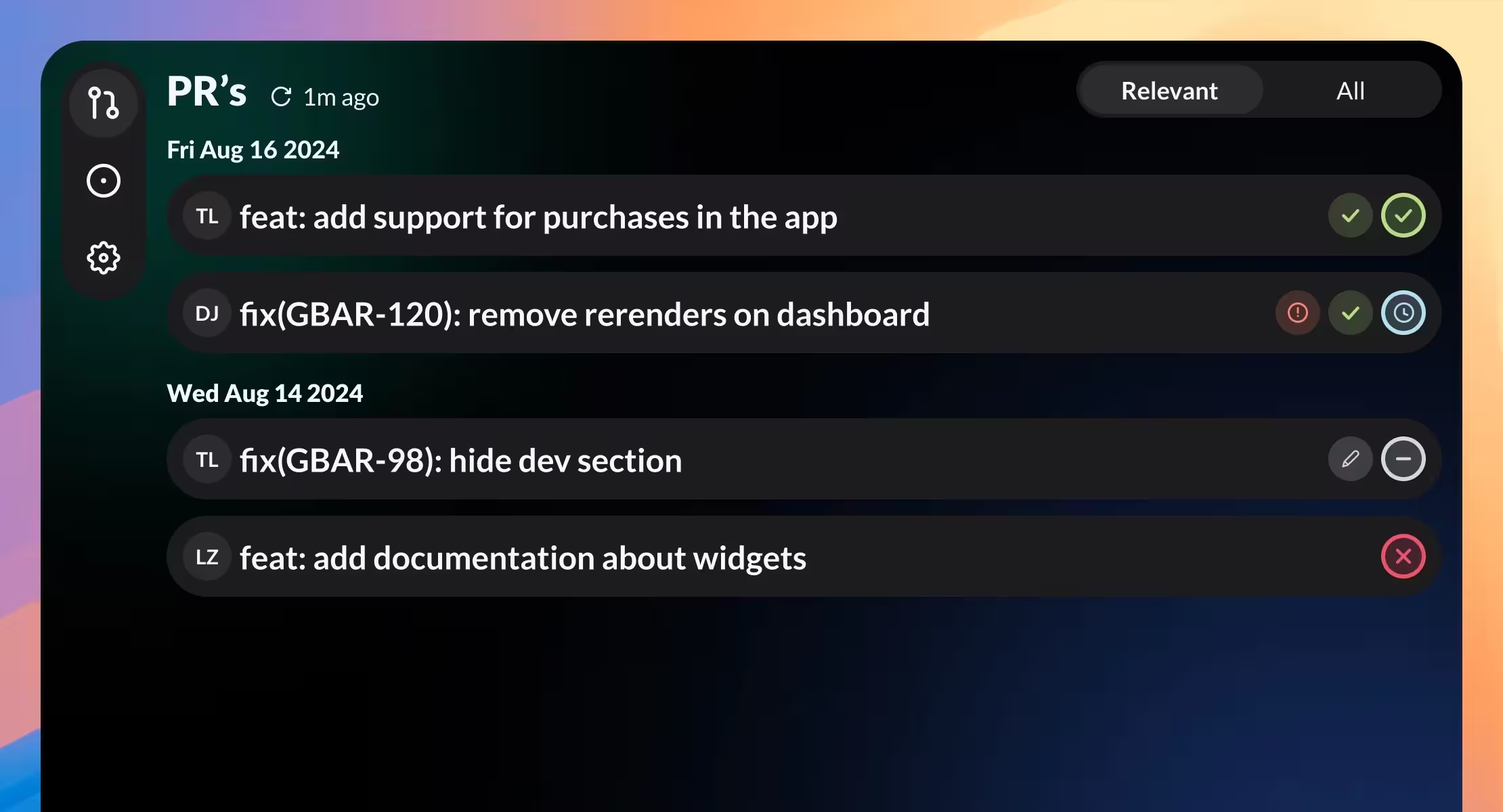
Switch to a compact layout to fit more PRs on screen when you're juggling many at once.
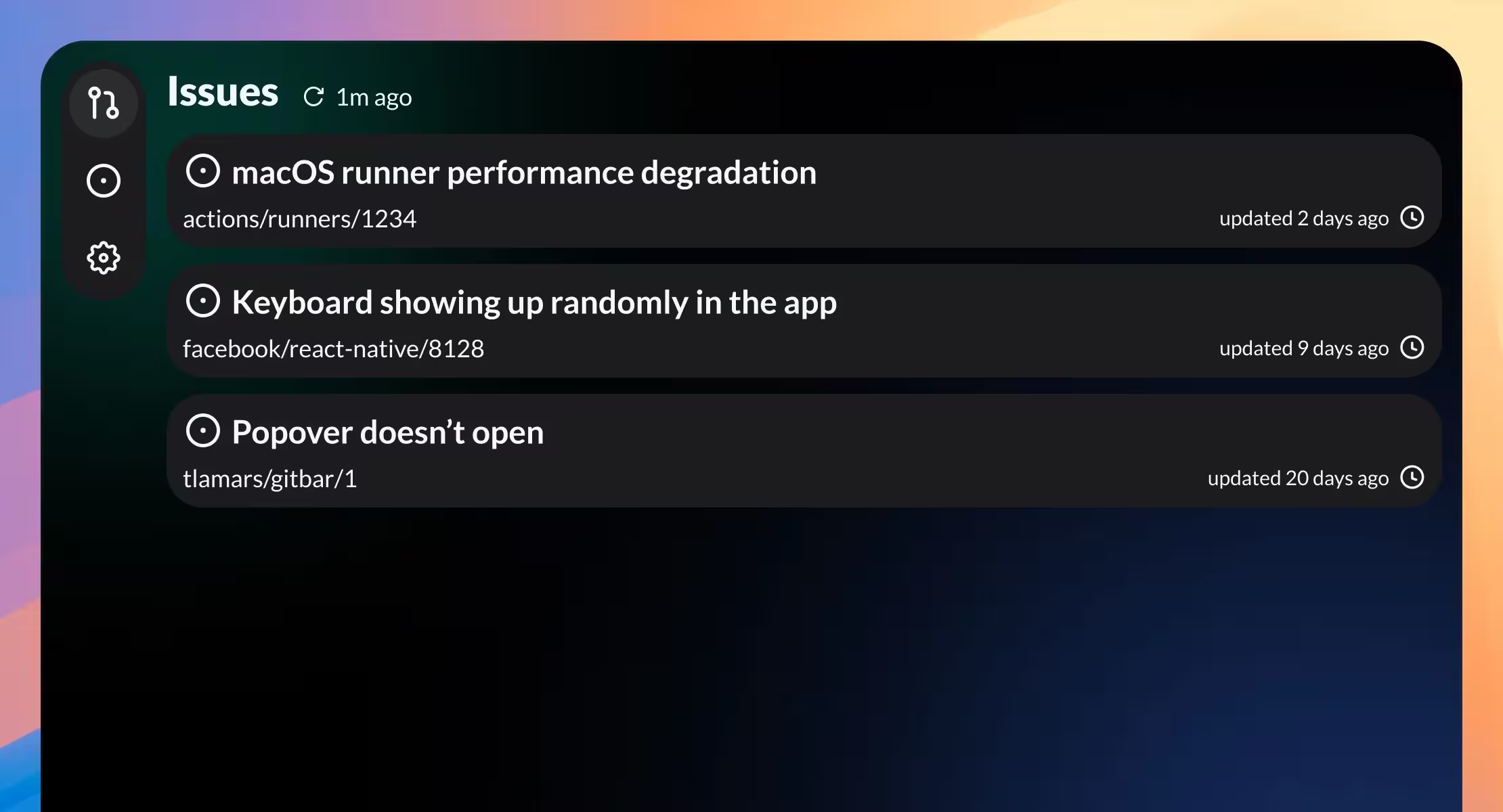
Keep an eye on GitHub issues alongside your Pull Requests. See issues you created and ones on repos you work on.
GitBar supports GitHub, GitLab, and Azure DevOps — add multiple accounts from different providers.
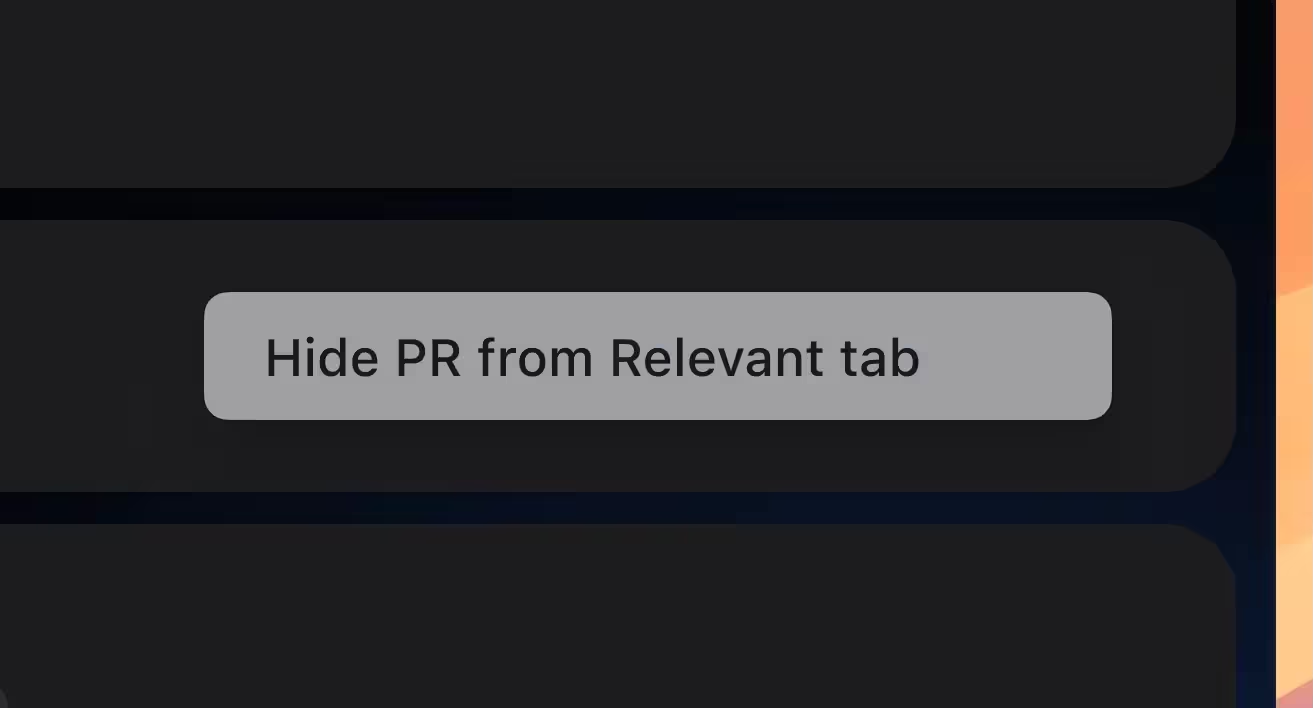
Hide PRs you don't want to see. They stay out of your Relevant tab but remain in All.
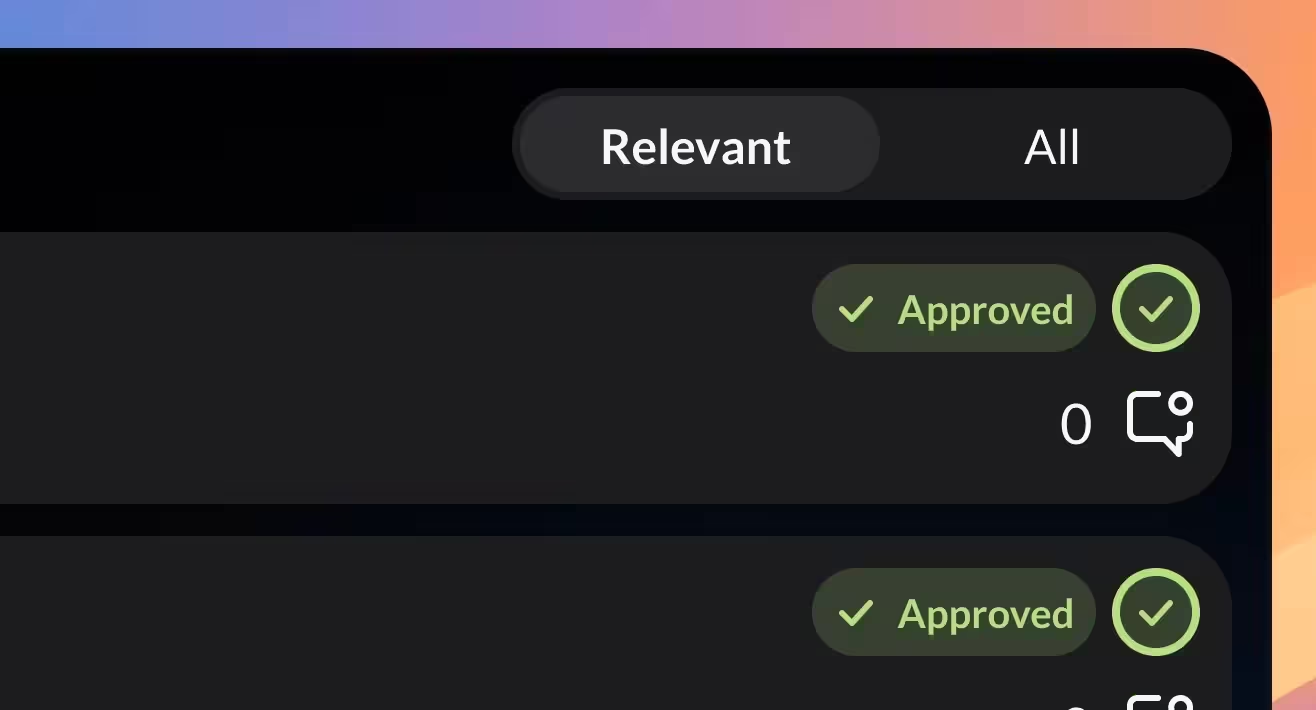
Only show PRs that actually matter to you. Customize the filters in settings.
Set GitBar to launch at login so it's always there — no more forgetting to open it.
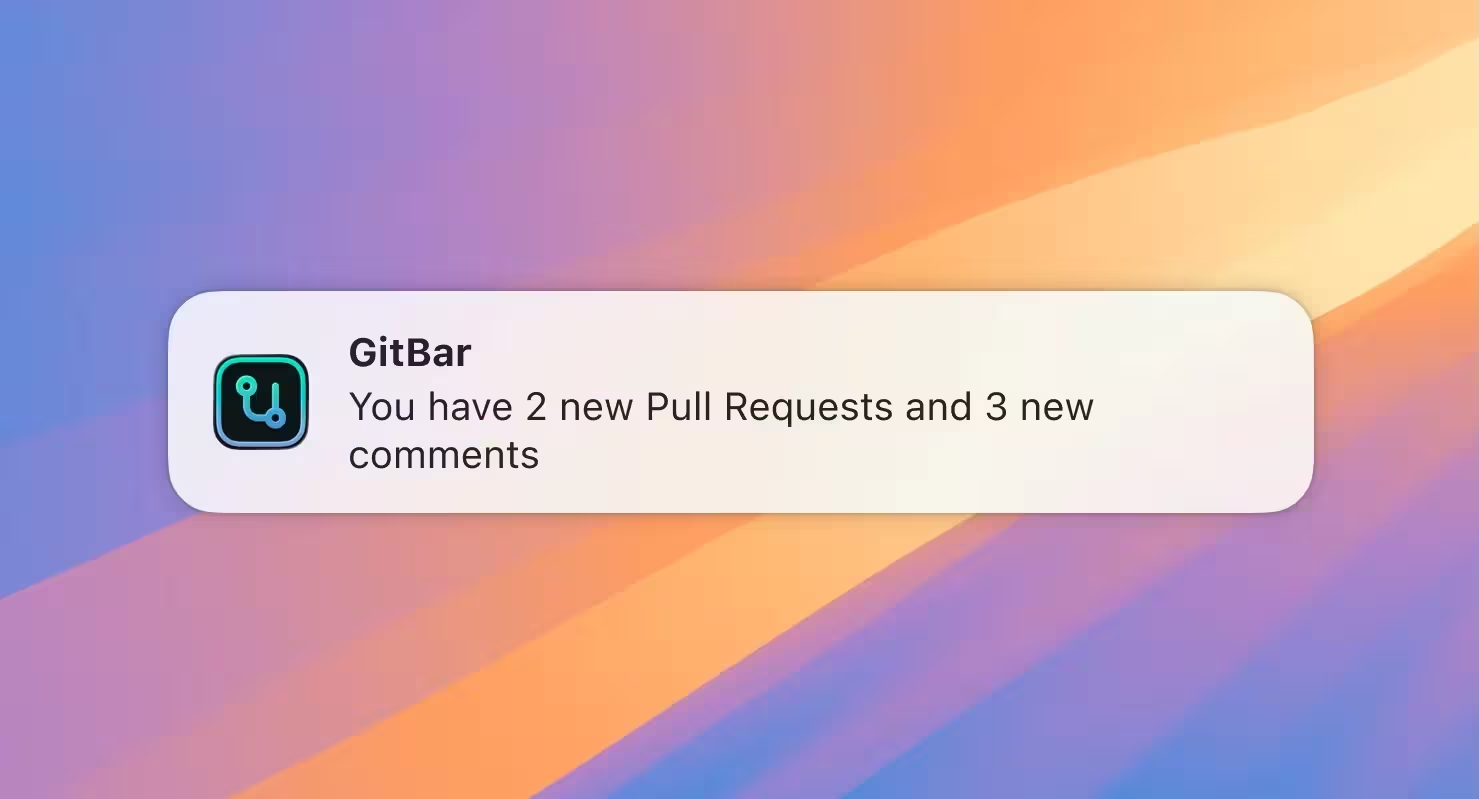
Get notified when a new PR is opened or a comment lands on one you care about.